

The overview is the first page anybody lands on. It answers “what is happening here” without anybody going looking for it.
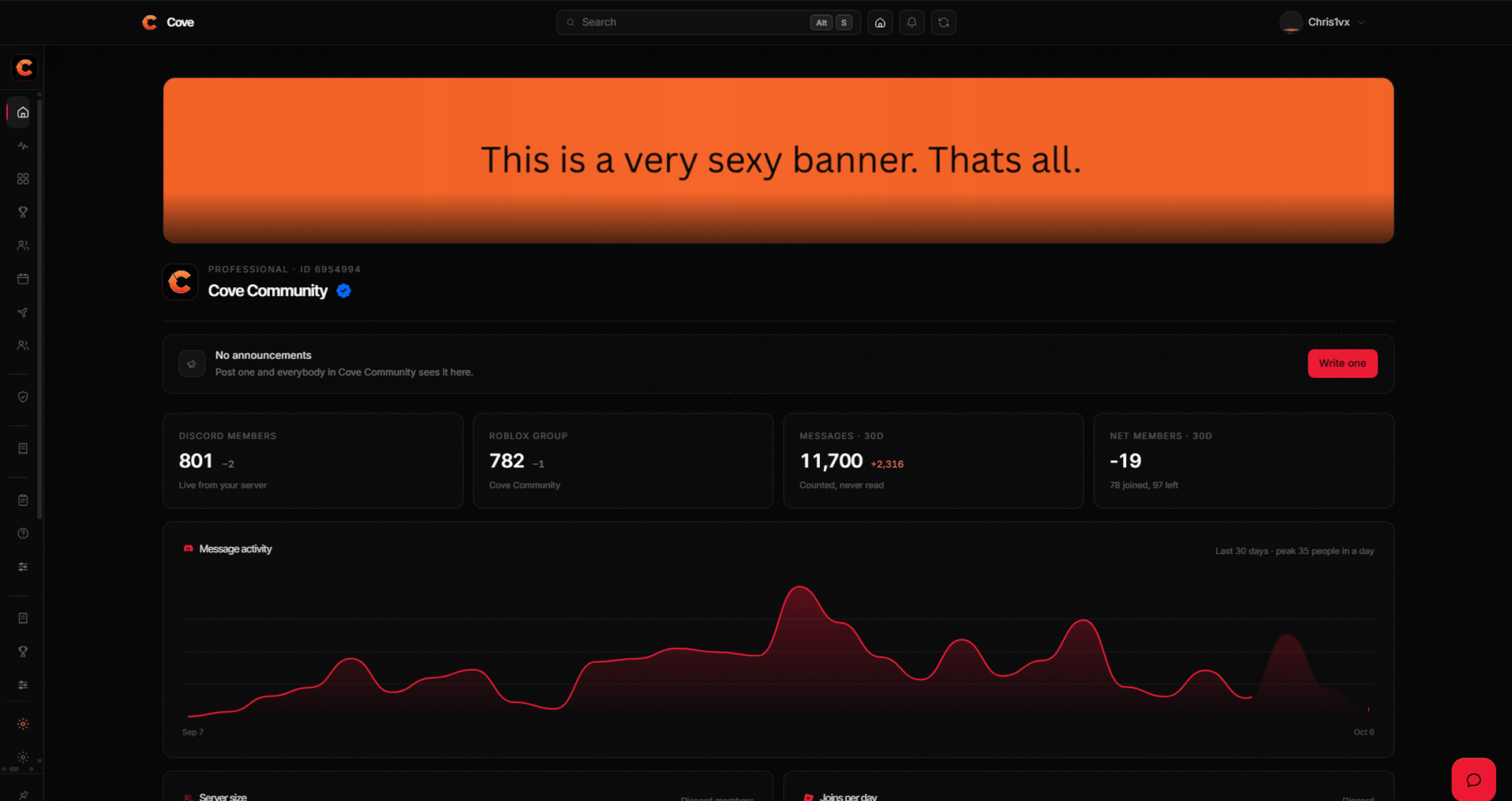
The overview, with an announcement above the charts.
The banner
A workspace shows your Roblox group’s icon and name by default. You can replace the banner from Settings → General, and revert it at any time — reverting re-reads the group rather than restoring an old copy, so it always matches what Roblox says today.Announcements
A notice pinned above the numbers, because whatever your team has to say outranks a chart.The numbers
Underneath, the overview charts the last 30 days.
The bot reports roughly every minute. A quiet day shows as zero rather than a
gap — a hole in a chart reads as lost data, and nothing was lost.