

Activity tracking answers the question every staff team argues about: who is actually turning up. A module in your Roblox game reports time in-server, and Cove turns that into activity, quotas and a leaderboard.
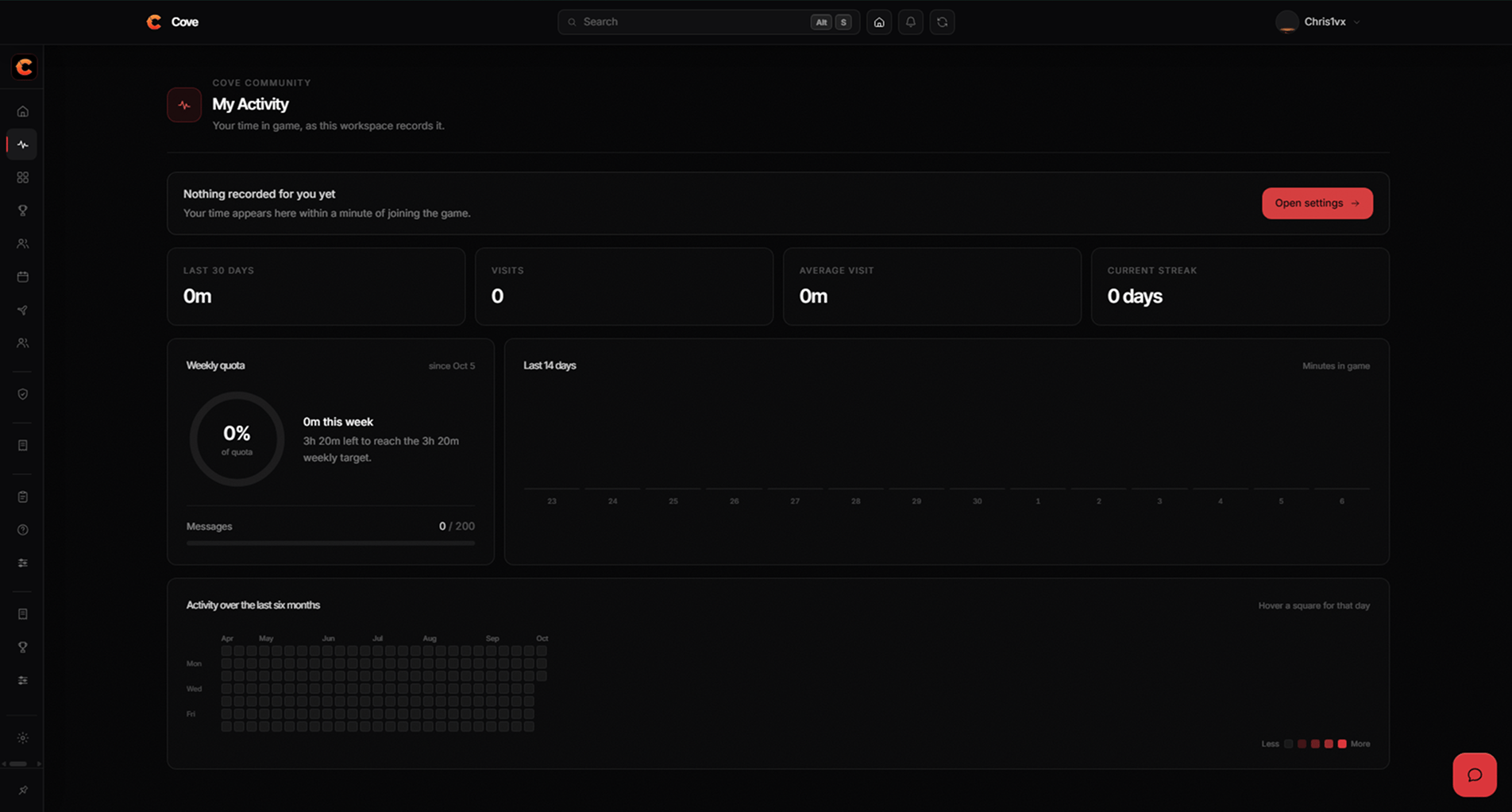
Time in game, tracked by the Cove module.
Setting it up
1
Turn it on
Settings → Activity & Quota. Nothing is recorded until you do.
2
Install the loader
Cove gives you a short script to paste into your game. It pulls the
tracking module from Cove, so the logic stays ours and can be fixed
without you editing your place again.
3
Choose which ranks are tracked
Usually your staff ranks rather than every member of the group.
What gets recorded
Time appears within about a minute of somebody joining. The tracker sends a
heartbeat while they are in-server, so a session that ends because Roblox
crashed closes cleanly rather than counting forever.
Quotas
A quota is a target per period, set per rank — the people who run your community and the people who joined last week rarely owe the same time.
Somebody on approved leave isn’t expected to meet a quota while
they are away.