

Verification is what everything else leans on. Once somebody has linked their Roblox account to their Discord one, Cove knows their rank in your group — which is what makes role binds, activity tracking and quotas possible.
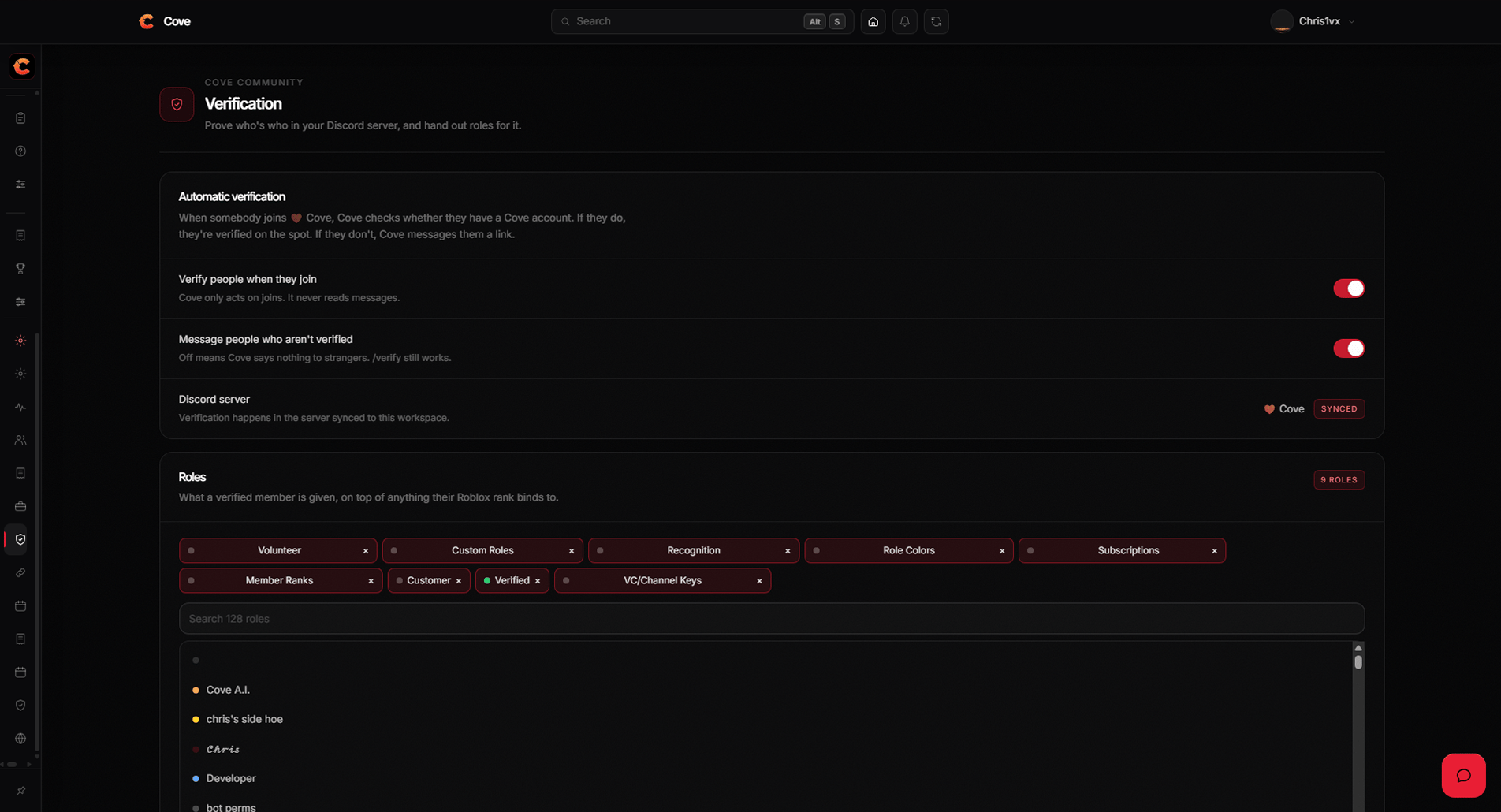
Verification settings — roles, nickname format and DMs.
What a member does
1
They run /verify
In your Discord server, or by pressing the button on your
verify message.
2
They sign in with Roblox
Cove uses Roblox itself to prove the account is theirs, so there is nothing
to paste into a profile and nothing to check by hand.
3
Cove gives them their roles
Every matching role bind is applied and their nickname
is set, and the reply says exactly what changed.
Settings
Settings → Verification, on a workspace with a Discord server connected.Nickname tokens
A nickname format is a template, so it can use whatever Cove knows.{smartName} | {rank} gives Jamie | Moderator. Discord caps nicknames at 32
characters and Cove truncates to fit. A role bind can
carry its own format, which wins over this one.
Where to go next
Role binds
Map each Roblox rank to the Discord roles it earns.
Verify message
Post a panel with a button in your verify channel.