

Most servers have a
#verify channel with a message and a button in it. Cove posts that message for you, and the button does exactly what /verify does.
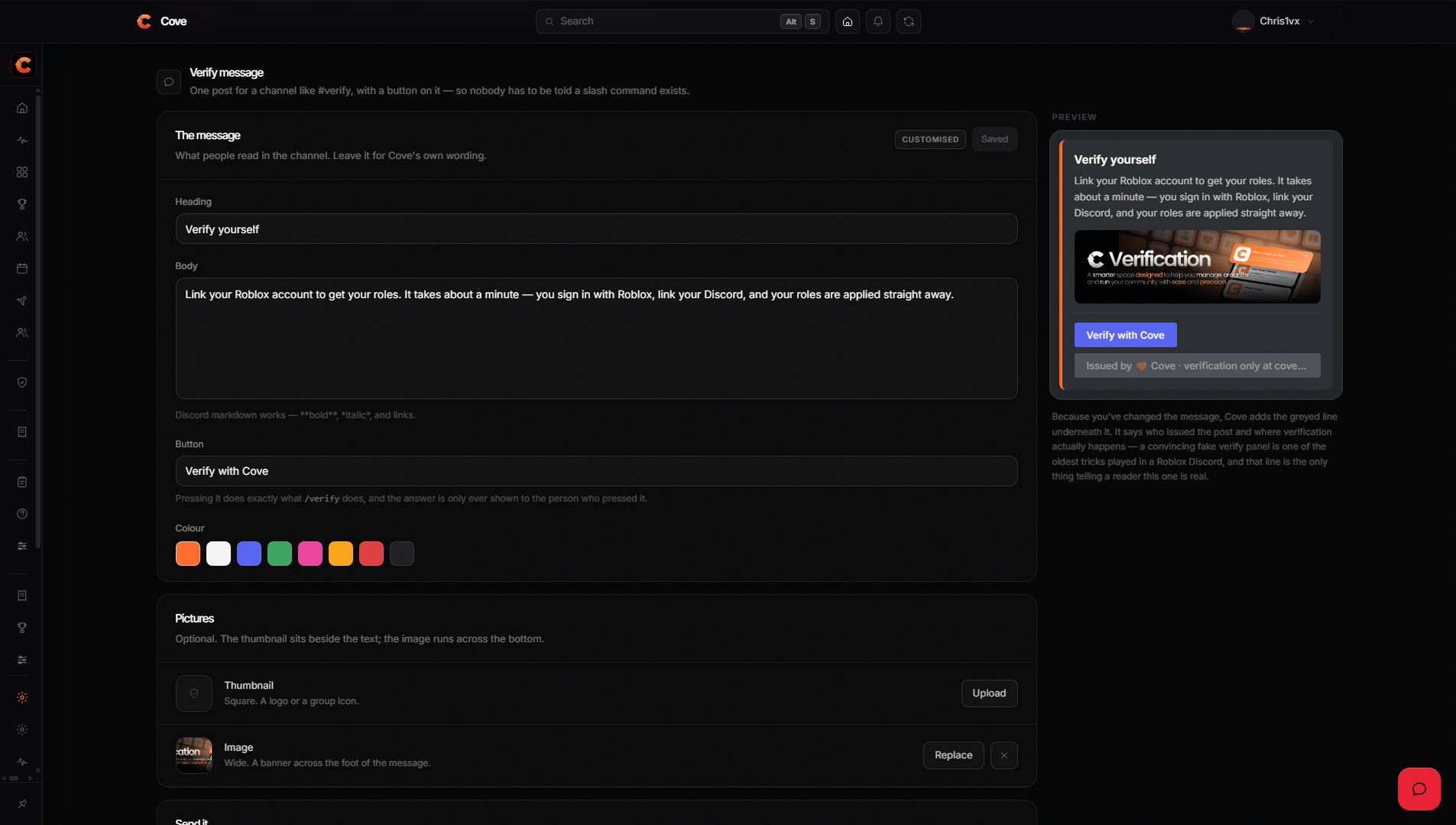
The panel as posted, with the Verify with Cove button.
Building it
Settings → Verification, at the bottom of the page.
Cove adds the Verify with Cove button itself. You don’t place it and it
can’t be removed — a verify panel without a working verify button is a picture.
The attribution button
Customise the panel and Cove adds a second, disabled button reading:This message was issued by YourServer. Verification should go through coveapp.cc.It isn’t decoration. A panel restyled to look like something else is exactly what somebody phishing your members would post, and this is how a member tells the real one from a copy. The default panel doesn’t carry it, because there is nothing to distinguish it from.