

Cove is where a Roblox community is run day to day. One workspace joins your Roblox group to your Discord server, and the work your team already does by hand happens in the same place, against the same list of who’s who.
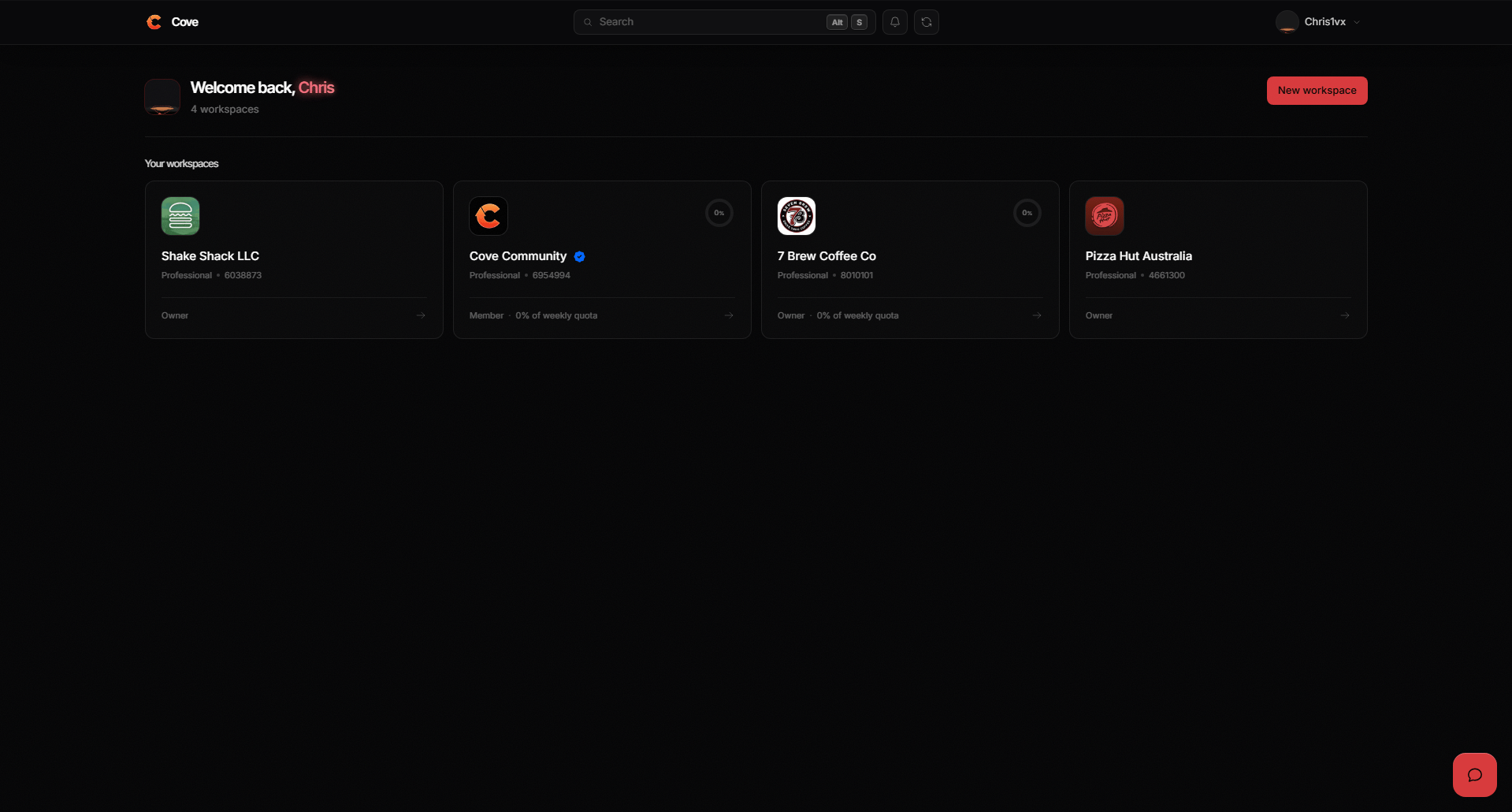
The dashboard, with every workspace you belong to.
Cove is in closed testing. Verification works in your server for everyone,
but signing in to the dashboard is limited for now —
ask us in Discord if you’d like access.
Start here
Set up your workspace
Connect your Roblox group and Discord server in one pass.
Open the dashboard
Sign in with Roblox and pick up where the guide ends.
What a workspace holds
A workspace is one community: one Roblox group, one Discord server, and everybody in both.Verification
Link Roblox and Discord accounts, and give roles by rank.
Activity tracking
See who is really in your game, with quotas set per rank.
Sessions
Schedule trainings and shifts with seats people can claim.
Leave
Members request time off; your team approves or declines.
Orders
Track what members buy in your game, through to completed.
Moderation
Act on Discord members, with a case behind each decision.
Who can do what
Most tools give one person every button and everybody else none. Cove uses departments: a named set of permissions, with people in it.1
Make a department
Give it a name and an icon — Moderation, Session Hosts, HR, whatever your
group already calls it.
2
Tick what it can do
Sixteen permissions across the workspace. Somebody who runs trainings gets
exactly that and nothing more.
3
Put people in it
By hand, or by Roblox rank so new staff arrive with the right permissions
already.
Also worth reading
Plans and billing
What Cove costs, and who is allowed to change it.
Your Cove account
Signing in, linking Discord, and keeping it secure.
Getting help
Community Discord
The fastest way to reach us, and where everyone is.
Live chat
The widget on coveapp.cc reaches our team directly.